Open a Publisher file
Bring an old Microsoft Publisher (.pub) file into Foliolum.
Anyone who has a bulletin or newsletter saved as a .pub file
Many groups keep years of work only as .pub files. Microsoft is ending Publisher for Microsoft 365 subscribers.
Screens captured from the Foliolum demo organisation on 2026-11-26. Every name, address and number on the screens is invented. Prepared 26 November 2026.
Foliolum opens Microsoft Publisher (.pub) files in your browser. The file is read on your computer. It is not uploaded.
Watch it
Before you start
- A .pub file on your computer.
- A current browser. Foliolum starts in about two seconds on a modern one.
Steps
1. Open Foliolum
- Go to app.foliolum.app.
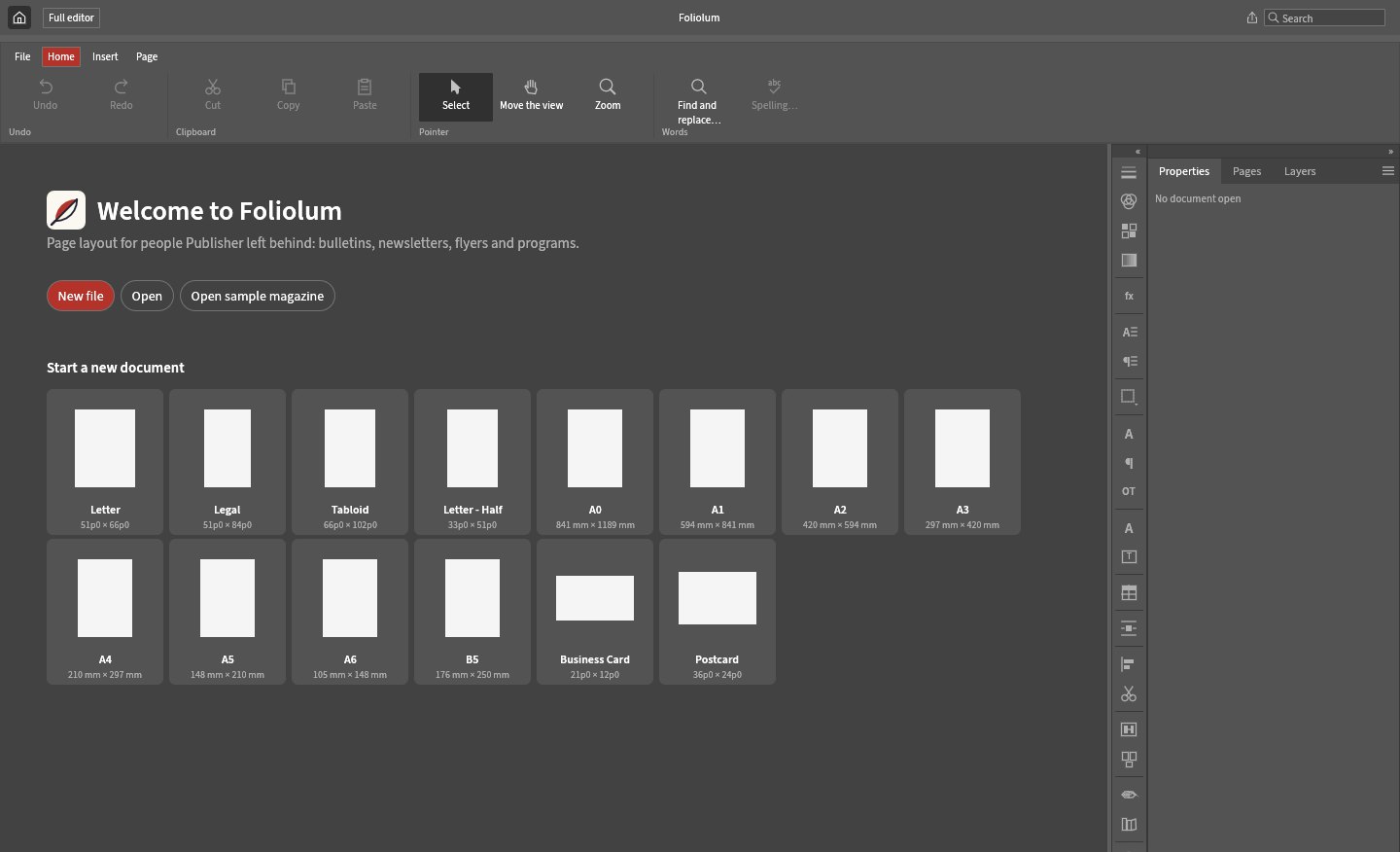
- The start screen says Welcome to Foliolum.
2. Open the file
- Choose Open on the start screen. Inside a document, choose the File tab, then Open….
- Pick your .pub file.
You can also drag the file from your computer and drop it onto the Foliolum window.
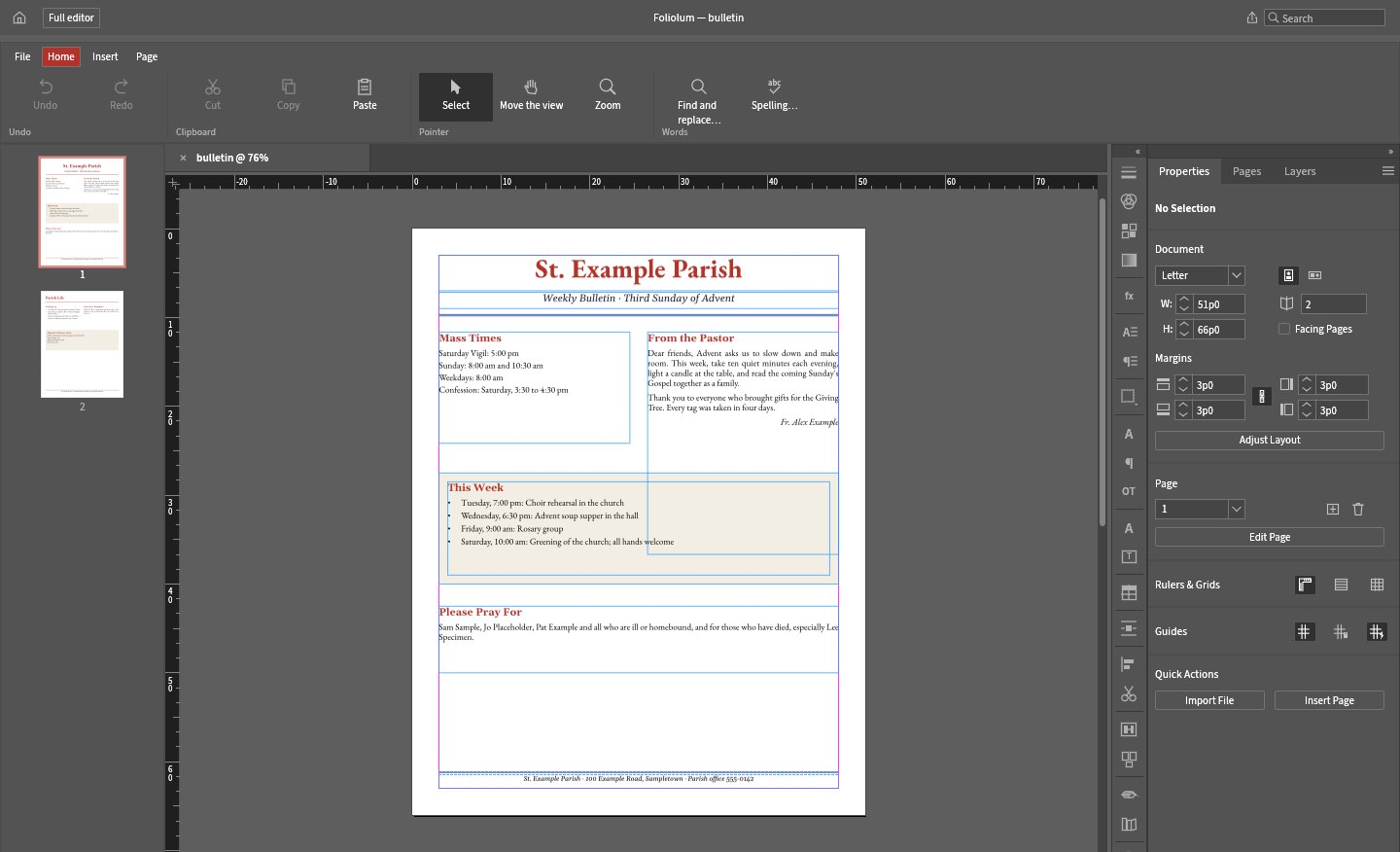
You should see: your document opens, and its pages appear in the strip on the left. This one is an invented parish bulletin.
3. Check each page
- Click each page in the strip and look it over against your original.
- Look closely at text boxes, pictures and fonts.
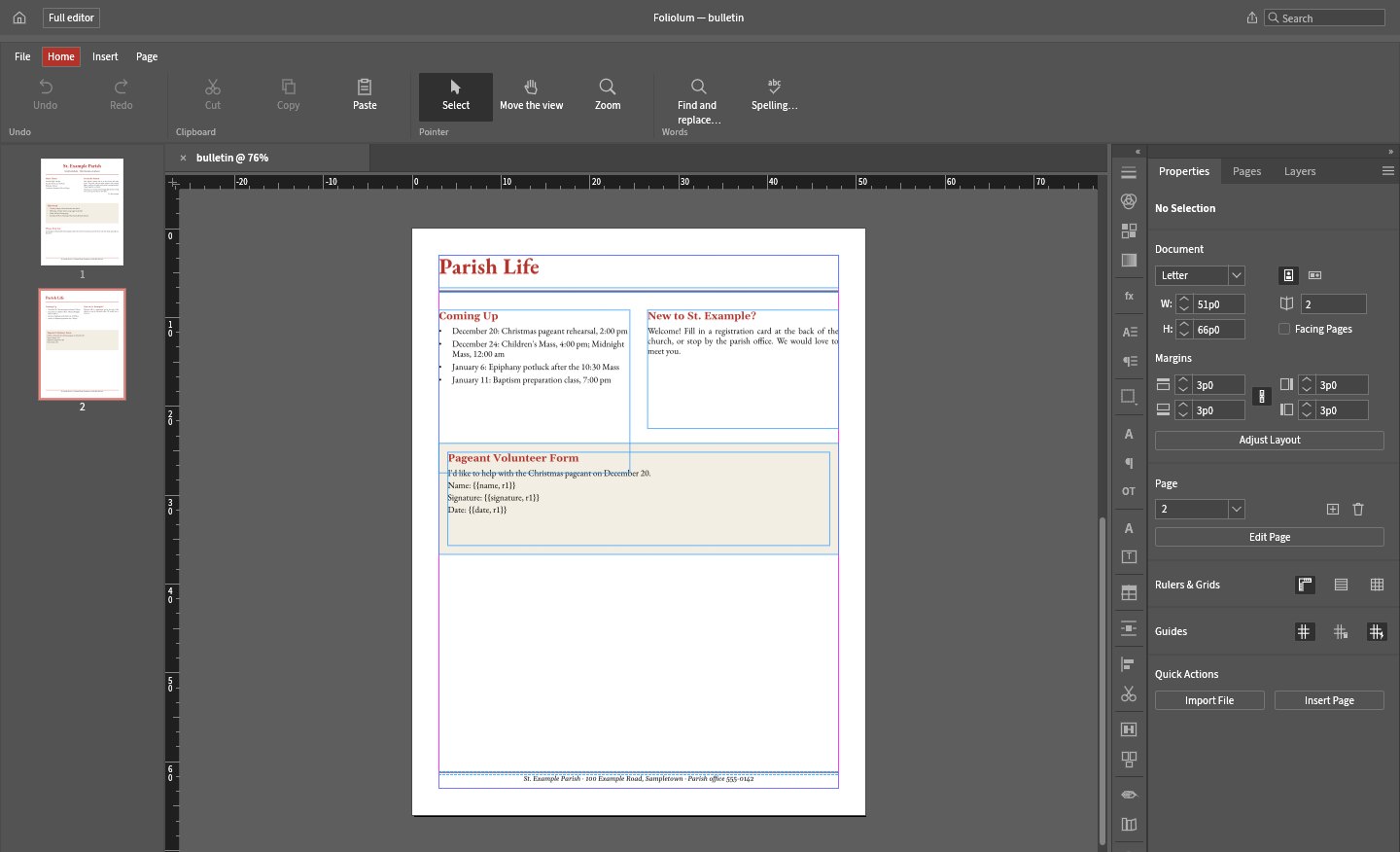
Some Publisher layouts do not convert exactly yet. Foliolum has not been tested on a large set of real files, so check every page before you rely on the result.
4. Save your work
- Choose the File tab, then Save, or Save a copy….
Your document is saved as a download. Nothing is sent to us.